Translating Existing Covers
Already have a cover you love? Translate the visible cover text while keeping the original artwork and layout as close as possible.
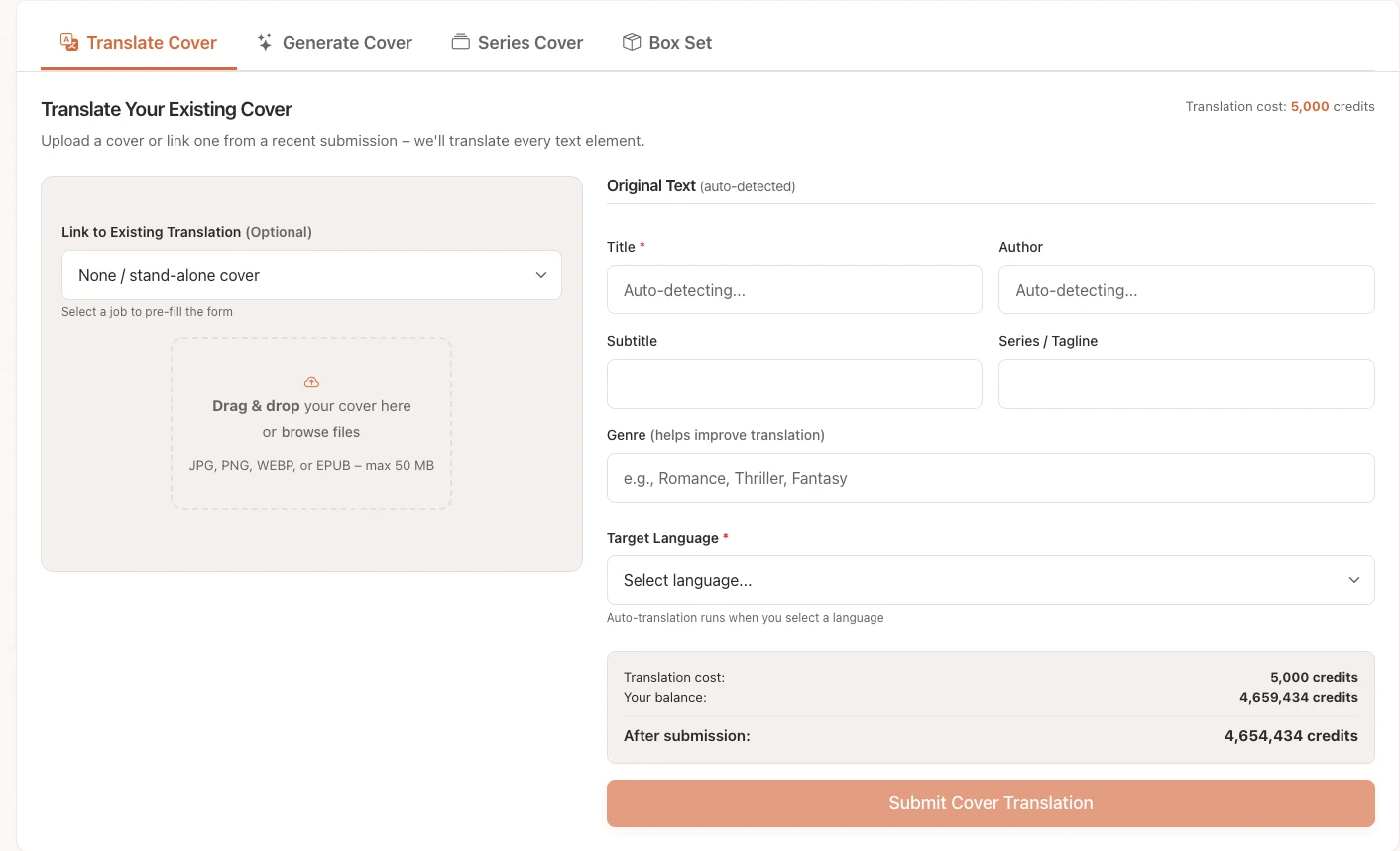
Upload Your Cover
- Navigate to Covers and open the Translate tab.
- Upload your existing cover file, or use a cover extracted from a linked Bookshift book submission when available.
- Choose the target language.
Cover translation costs 5,000 credits per target language.
Supported Uploads
- JPG, JPEG, PNG, and WEBP cover images
- EPUB files when you want Bookshift to extract the embedded cover
Requirements
- Clear, readable title text
- A high-resolution source file
- Permission to use and modify the cover
Review Detected Text
After upload, Bookshift detects the likely title, subtitle, author name, and series or tagline text. Check these fields before submitting.
Fix anything that was detected incorrectly. The translator uses these fields to decide which text should appear on the final cover.
Tip
If the title has a subtitle separated by a colon, put the main title and subtitle in separate fields when possible. This gives the cover generator clearer text placement instructions.
Check Translated Fields
Bookshift translates the detected fields into the target language. You can review and edit:
- Translated title
- Translated subtitle
- Translated series line or tagline
Some languages may also show alternative translations. Choose the wording that best fits the book and market before submitting.
Submit the Job
Before submission, Bookshift shows a confirmation summary with the original and translated text. Review spelling carefully.
If the uploaded cover triggers image moderation, Bookshift may ask whether you want to allow a generated fallback. That fallback creates a new cover using the translated text and available context instead of editing the original artwork.
Download the Result
When the job completes, open the completed cover job and download the translated cover output.
How It Works
The system:
- Detects all text regions on your cover
- Extracts and translates the text
- Generates replacement text that approximates the original style
- Composites the translated text back onto the design
Warning
Some complex text effects, heavy distortions, tiny type, or busy backgrounds may not translate cleanly. Simple, high-contrast cover text works best.
 메뉴
메뉴