Paperback Wrap Generator
The Paperback Wrap Generator helps create a full paperback cover spread: front, spine, and back.
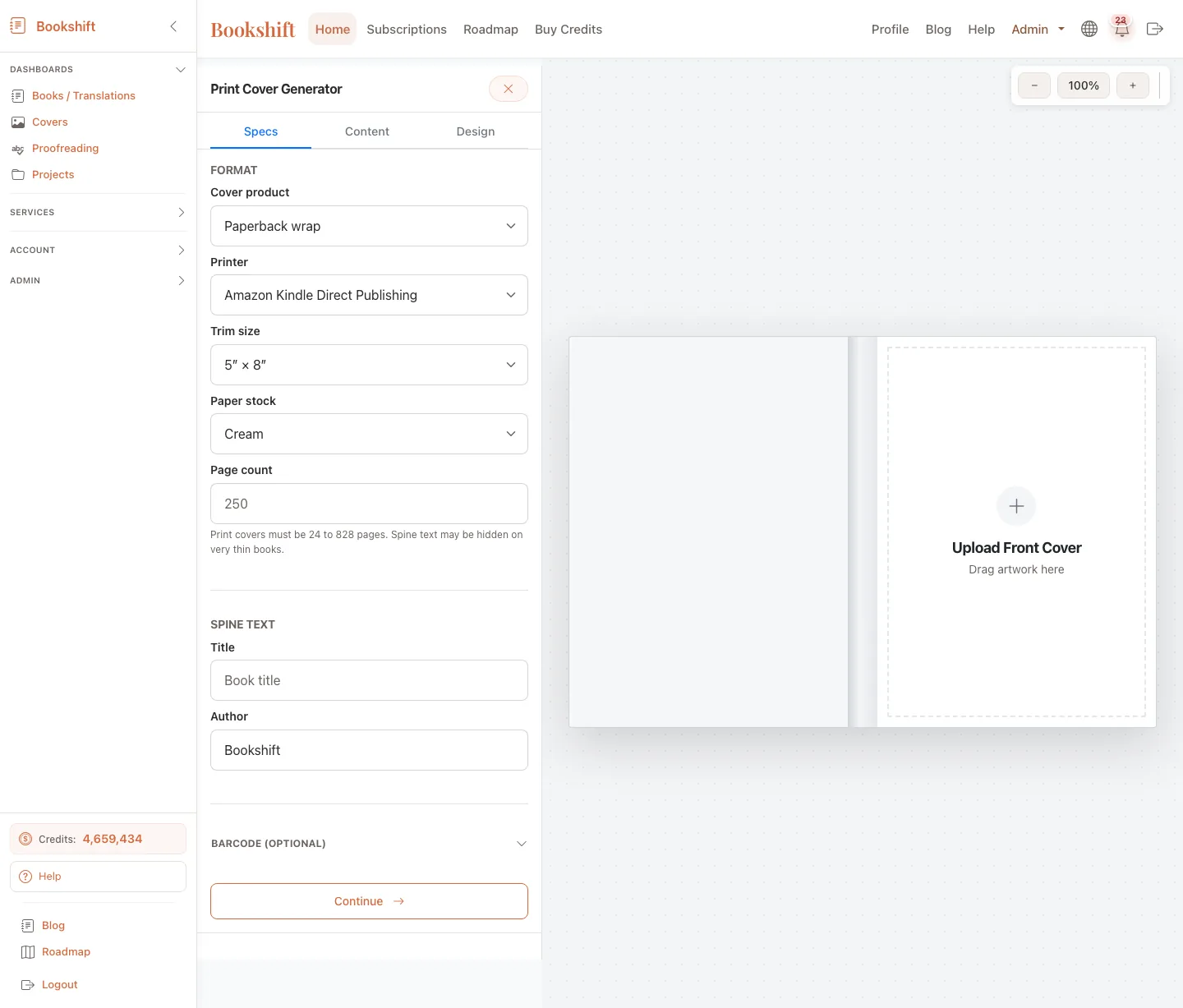
What It Creates
The tool can produce:
- Print-ready paperback wrap PDF
- Front/spine/back layout
- Spine text placement based on page count
- Back cover copy layout
- Barcode or barcode-safe area
- Preview images and download bundles
What You Need
Prepare:
- Front cover artwork
- Trim size
- Page count
- Paper/interior settings when required
- Title and author name
- Back cover blurb
- Optional logo, imprint, barcode, colors, and font choices
If you start from an existing Bookshift job, some title, author, blurb, and language fields may be prefilled.
Review Before Uploading
Before using the PDF in KDP or another print platform:
- Confirm trim size and page count.
- Check spine text spelling and alignment.
- Make sure the back cover text fits comfortably.
- Verify barcode placement or barcode-safe area.
- Download and inspect the final PDF at full size.
Warning
Print platforms can reject covers when trim size, spine width, bleed, or barcode placement is wrong. Review the generated PDF against the platform's current requirements before publishing.
Hardback Note
Hardback wrap generation is not publicly available right now and should be treated as disabled. Use this guide for paperback wraps only.
FAQ
Can I use an ebook front cover?
Usually yes, if the front cover art is high enough resolution and suitable for print. Low-resolution images may look blurry in paperback.
Does Bookshift upload the cover to KDP for me?
No. Download the PDF and upload it yourself in your publishing dashboard.
Can I edit the generated wrap later?
You can regenerate with updated settings or copy. Keep your source artwork and text handy so changes are easy.
 Menu
Menu