Cover workflow for authors
Generate, translate, and prepare book covers without splitting the work across disconnected tools.
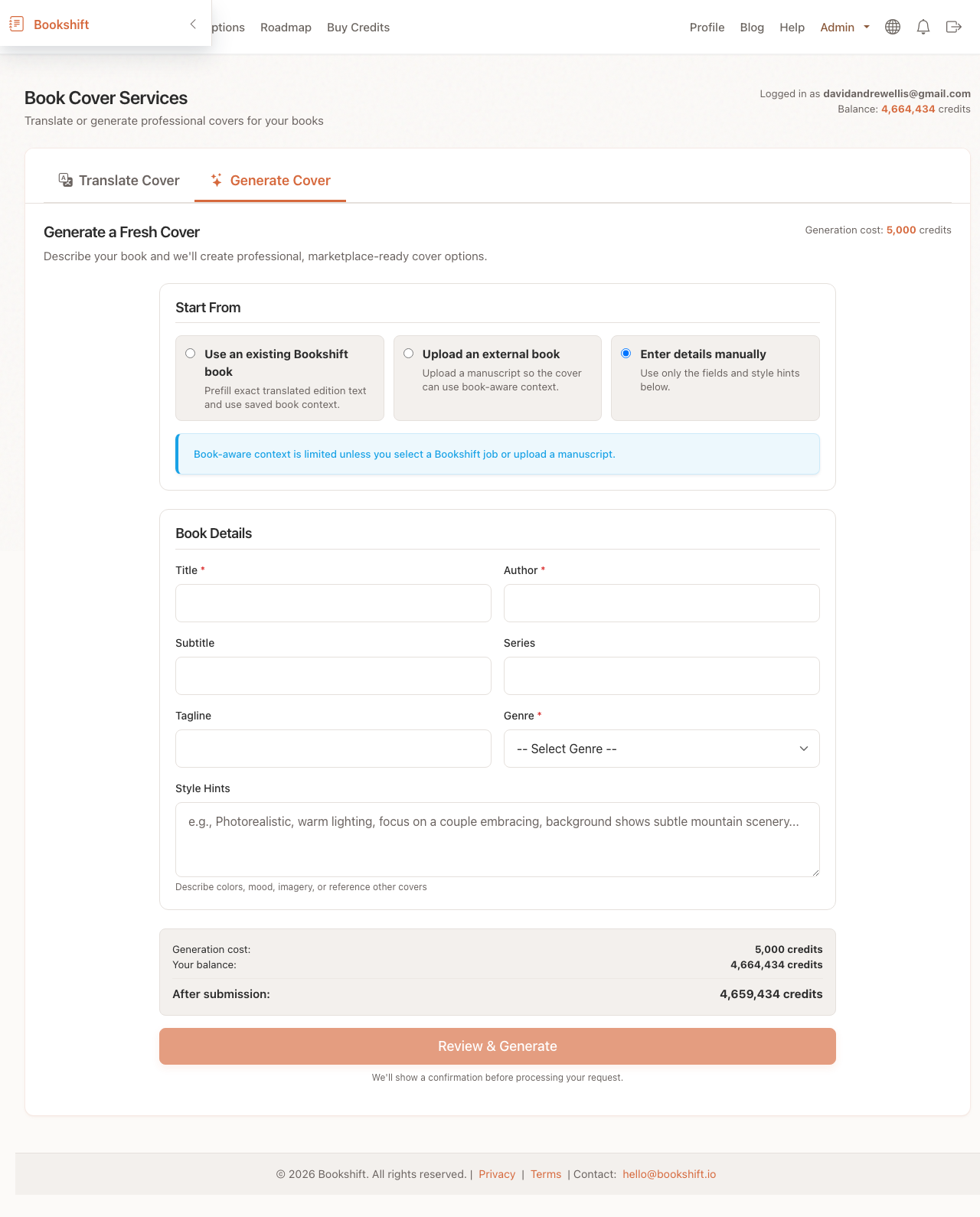
Cover workflow hub
Create new cover concepts, localize existing designs, and prepare print cover wraps from one connected author workflow.
Cover workflow for authors
Create visual concepts from genre, mood, and book context.
Localize visible text for translated editions.
Move from front cover to full print cover files.
Keep cover work connected to the author workflow around each edition.
Workflow
Use the right cover workflow for the stage you are in: create, localize, or prepare the print version.
Create new cover concepts, localize existing designs, and prepare print cover wraps from one connected author workflow.
Why this matters
A publishing workflow can require an ebook cover, localized cover text, print wrap files, previews, and metadata assets. Treating each one as a separate project slows the release down.
Workflow
Use the right cover workflow for the stage you are in: create, localize, or prepare the print version.
Add title, author, genre, mood, audience, and any required visual direction.
Create multiple cover directions and compare what fits the market.
Keep the strongest concept and adjust details for the edition.
Use the result with cover translation or paperback wrap tools.
What you get
BookShift’s cover tools are built around the actual files authors need as a book moves toward publication.
Generate visual directions for your book or series.
Explore updated looks for older books without starting from scratch.
Move from generated cover to translation or paperback wrap prep.
For indie authors
A cover is not decoration. It affects translation, print production, marketplace trust, and reader expectations.
More publishing help
Most authors who need a wrap also need clean manuscripts, localized covers, or metadata for new markets.
Paperback wrap FAQ
Generated covers are intended for author publishing workflows, but always review the current model and platform terms for your use case.
Yes. You can create market-specific covers or use cover translation for existing designs.
Use the paperback wrap generator after you have front cover art.
The workflow is connected to book metadata, translations, covers, and publishing outputs.
Start with your genre, title, and concept, then turn the best result into publishing assets.
Open Cover Generator Menu
Menu