Front, spine, and back in one file
Turn a front cover into a complete paperback cover wrap.
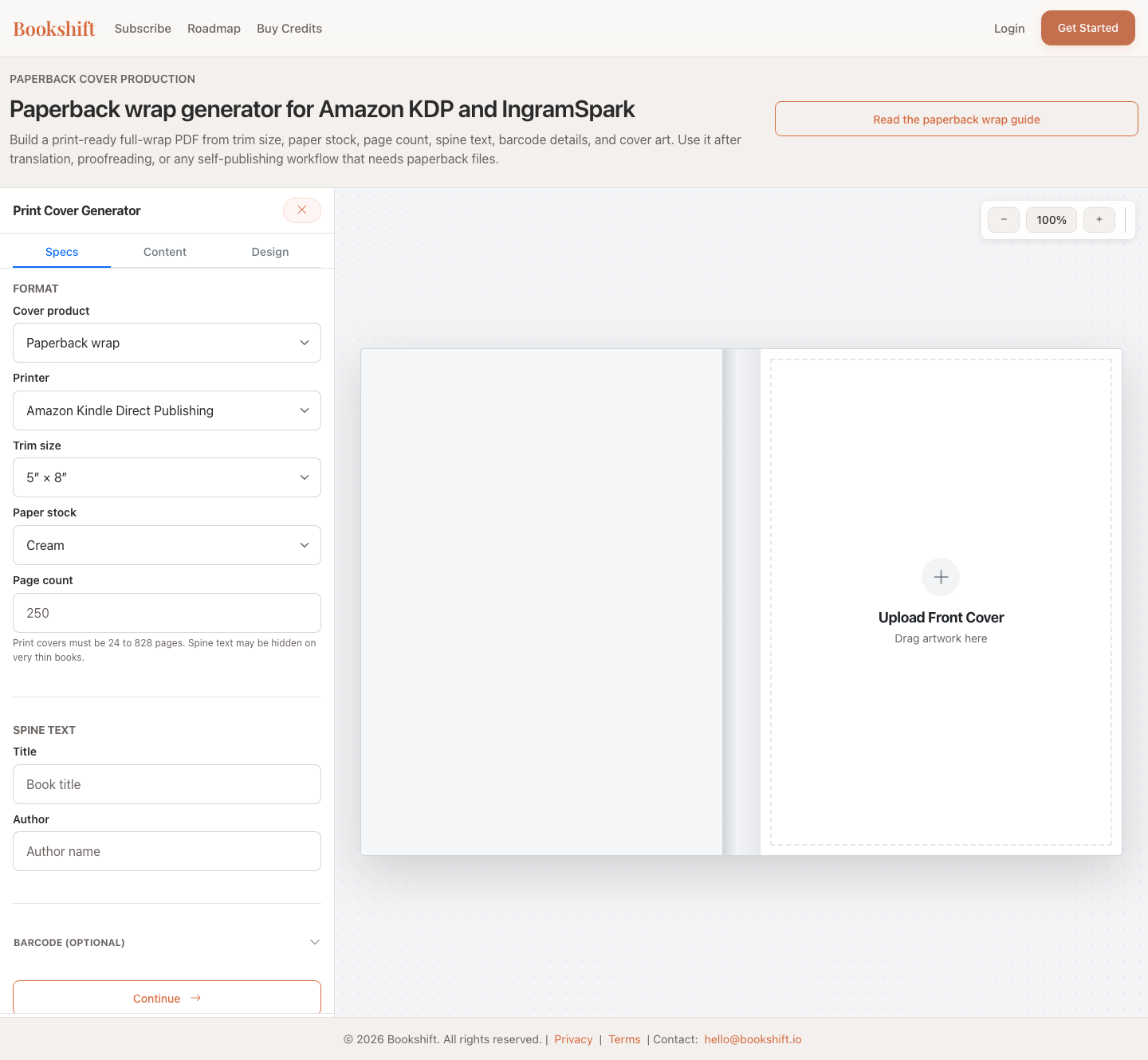
KDP paperback cover production
Upload your front cover, choose trim size and page count, add spine and back-cover copy, and generate the full paperback wrap PDF your print platform expects.
Front, spine, and back in one file
Set trim, paper, and page count so the spine is sized before you export.
Leave room for ISBN and barcode placement instead of guessing at the end.
Download print files plus guide previews for checking before upload.
Generate a back and spine that match your uploaded front art.
Workflow
BookShift keeps the production steps visible, so you know what the file contains before downloading it.
Upload your front cover, choose trim size and page count, add spine and back-cover copy, and generate the full paperback wrap PDF your print platform expects.
Why this matters
A paperback cover is not just the front image. Print platforms need one full-spread file with back cover, spine, front cover, bleed, margins, and barcode space in the right places.
Workflow
BookShift keeps the production steps visible, so you know what the file contains before downloading it.
Start with the front image you already use for ebook or marketing.
Choose marketplace, trim size, paper type, page count, title, and author.
Paste your blurb, author bio, ISBN, barcode details, and publisher logo if needed.
Export a clean PDF and guide preview files for KDP or IngramSpark review.
What you get
The generator is designed around the real production artifact authors need at the end of the self-publishing process.
A full-spread cover PDF with front, spine, back, and bleed.
Preview images make it easier to spot layout problems before upload.
Use guide files to check margins, spine position, and barcode area.
For indie authors
The wrap generator fits naturally after proofreading, translation, or cover design. It helps you move from “I have a front cover” to “I have the print file the platform asks for.”
More publishing help
Most authors who need a wrap also need clean manuscripts, localized covers, or metadata for new markets.
Paperback wrap FAQ
It is the full print cover file: back cover, spine, and front cover in one PDF with bleed and safety margins.
Yes. Upload the front cover and BookShift helps build the missing spine and back cover around it.
It helps create the design and PDF, but you should still confirm the final specs against your selected print platform before publishing.
Yes. You can use translated title, author, blurb, and metadata to create a localized paperback wrap.
Start with your front cover and generate the PDF files you need for print review.
Open the Wrap Generator Menu
Menu