Convert Dialogue Punctuation Styles
Use the Dialogue Format Converter when a manuscript is already in the right language, but the dialogue punctuation style needs to change for a market, publisher, or author preference.
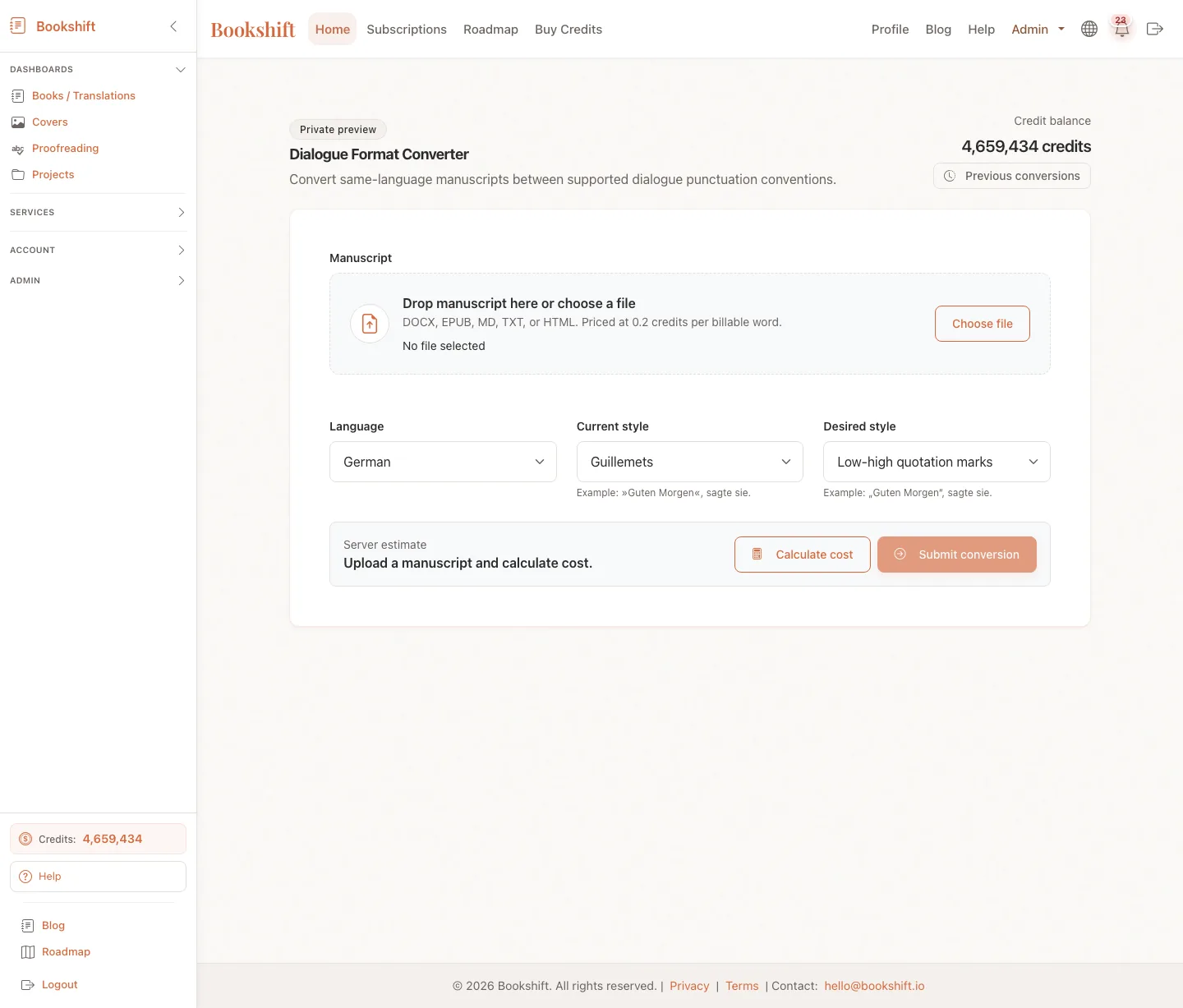
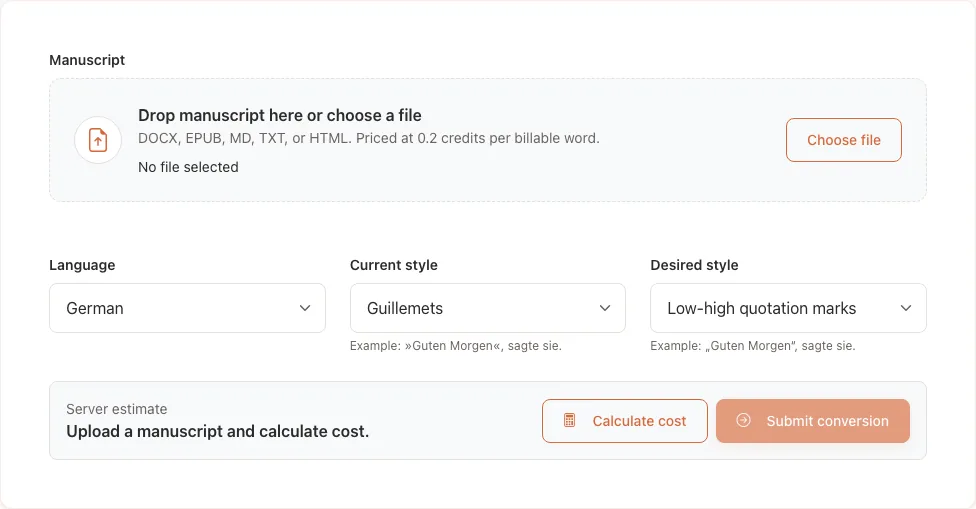
When to Use It
Use this tool when you want to keep the manuscript in the same language and change only the dialogue convention. It is separate from book translation.
Good examples:
- A German manuscript uses guillemets, but you want German low-high quotation marks.
- A French manuscript uses guillemets, but you want em-dash dialogue.
- An Italian manuscript uses em-dash dialogue, but you want guillemets.
Do not use it to translate a book into another language. For that, use book translation.
Supported Styles
| Language | Current and desired styles |
|---|---|
| German | German guillemets: »Guten Morgen«, sagte sie. and German low-high quotation marks: „Guten Morgen“, sagte sie. |
| French | French guillemets: « Bonjour », dit-elle. and French em-dash dialogue: — Bonjour, dit-elle. |
| Italian | Italian guillemets: «Buongiorno», disse. and Italian em-dash dialogue: — Buongiorno, disse. |
The converter works in both directions for each language.
How It Works
- Open Dialogue Format Converter.
- Upload a manuscript in DOCX, EPUB, MD, TXT, HTML, or HTM format.
- Bookshift inspects the file and tries to detect the language and current dialogue style.
- If detection is confident, the language and styles are filled automatically.
- If detection is unsure, choose the current style and desired style manually.
- Click Calculate cost, review the estimate, then submit the conversion.
Bookshift validates the selected styles again on the server before charging credits. If the manuscript appears to use a different style than the one selected, the page asks you to confirm before submitting.
Costs and Files
Dialogue conversion is priced at 0.2 credits per billable word. The estimate is calculated from the uploaded manuscript before you submit.
Completed jobs include:
- DOCX output for editing
- EPUB output for publishing checks
- A job page with warnings when any sections could not be converted confidently
If a job cannot be queued, Bookshift attempts to refund the reserved credits immediately.
Quality Checks
The converter is conservative. If a section is ambiguous, sparse, mixed-style, or likely not spoken dialogue, Bookshift may leave it unchanged and show a warning after processing.
After downloading the converted file:
- Spot-check several dialogue-heavy scenes.
- Search for the old punctuation style to find any unchanged passages.
- Review warnings on the job page before publishing.
- Keep a copy of the original manuscript in case you want to compare changes.
FAQ
Can I convert dialogue punctuation within the same language?
Yes. Use Dialogue Format Converter to convert supported German, French, and Italian manuscripts between the available same-language dialogue punctuation styles.
Does this translate the manuscript?
No. It preserves the manuscript language, structure, wording, and meaning. It is designed to change dialogue punctuation conventions only.
What if detection chooses the wrong style?
Click Edit selections and choose the correct current and desired styles before calculating cost.
 Menú
Menú