Bulk Translation
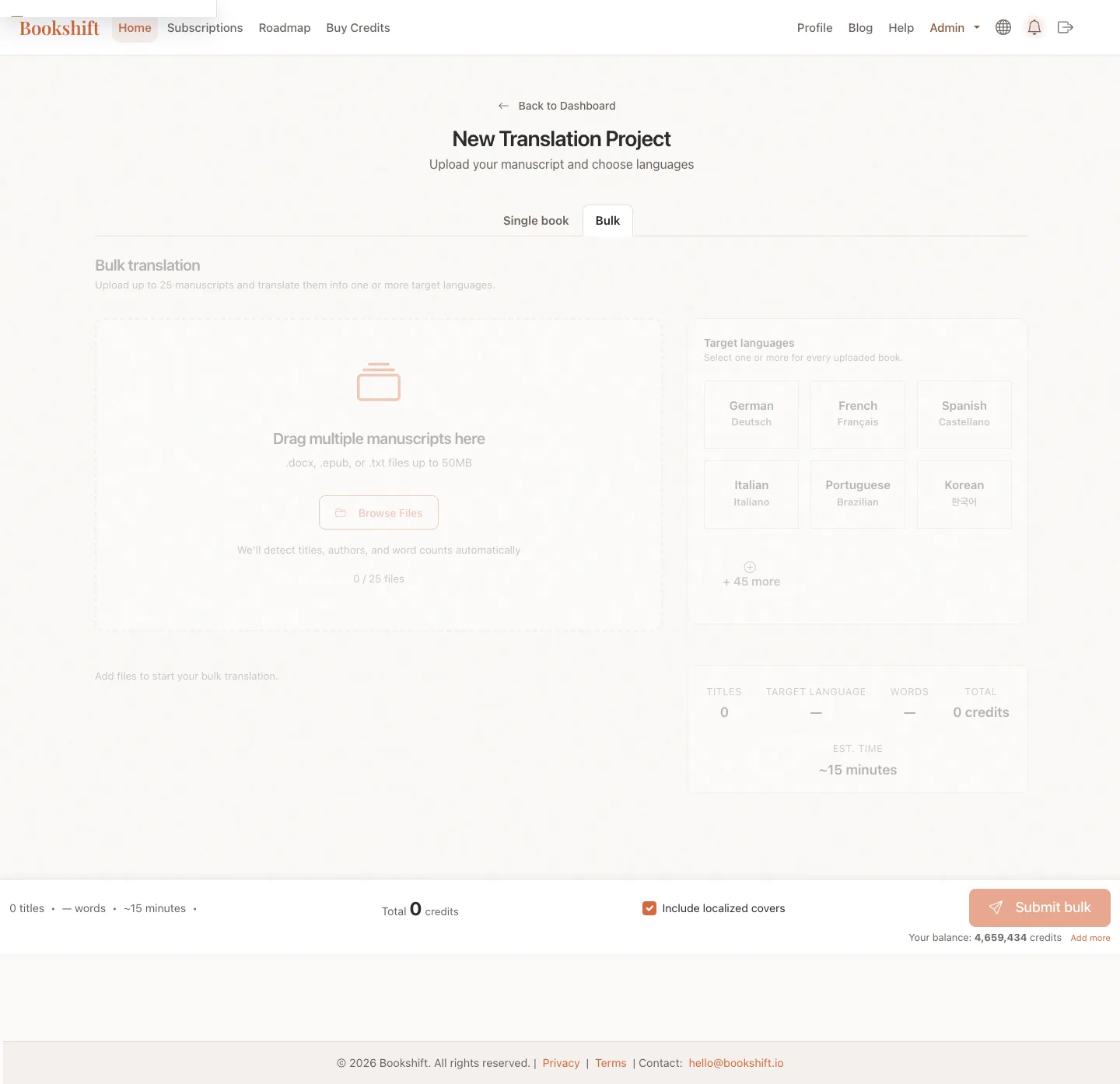
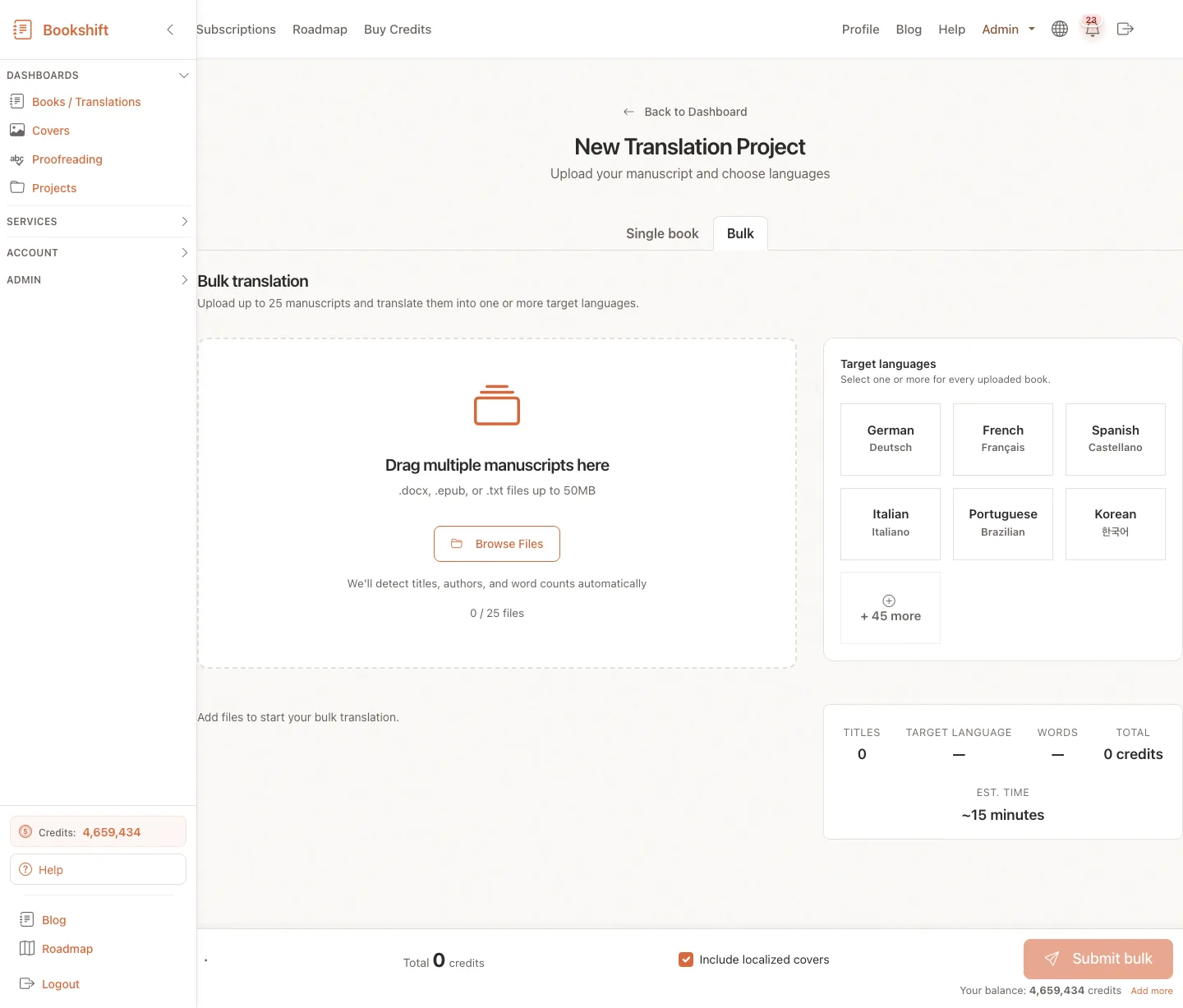
Bulk Translation lets you prepare multiple translation jobs in one flow. It is useful when you have a series, backlist, or several short books that need the same target languages.
When to Use Bulk Translation
Use bulk translation when:
- You want to upload up to 25 manuscript files at once.
- Several books need the same target language set.
- You want to review titles, subtitles, source matches, and language options before submitting.
- You are translating a series or backlist and want a faster setup workflow.
Use the single-book flow instead when one title needs careful custom setup or when you are testing Bookshift for the first time.
Supported Files
Bulk translation accepts the same manuscript formats as the main translation flow:
- EPUB
- DOCX
- TXT
- Markdown
- HTML
Each file is inspected before submission. The page checks file type, word count, metadata, and language settings before the submit button becomes available.
Set Up the Batch
- Open Submit and choose the bulk translation tab.
- Drop or choose your manuscript files.
- Select one or more target languages for the batch.
- Review any language-specific options shown in the side panel.
- Wait for preflight checks to finish before submitting.
For languages with dialogue-style variants, such as German and Italian, Bookshift shows the relevant style option before submission. For German titles, Bookshift may also show Titelschutz-style uniqueness warnings and links to external checks.
Review Each Book
Each uploaded file gets its own review card. Check:
- Detected title and author
- Source language
- Target-language title or subtitle suggestions
- Existing-book match prompts when Bookshift thinks this may be a new language for a book already in your account
- Any errors that block submission
The batch submit button stays disabled until required preflight checks are complete and blocking errors are fixed.
Tip
If Bookshift suggests that a file matches an existing book, review that prompt carefully. Adding a new language to the existing book keeps files and marketing assets organized under the right title.
After You Submit
After submission, each book/language pair becomes a normal translation job. Completed translations include:
- EPUB and DOCX manuscript files
- Localized blurb and KDP HTML blurb
- Keyword sets and keyword variations
- Alternative title options
- KDP category recommendations where available
You can track jobs from your dashboard and open each completed book to download files or add more languages later.
FAQ
Can every book in a bulk batch use different target languages?
Bulk translation is designed around a shared language set for the batch. If different books need very different setups, submit them separately.
Why is the submit button disabled?
Bookshift disables submission while files are still being inspected, required metadata is missing, language options need confirmation, or one of the file cards has a blocking error.
Does bulk translation change quality?
No. Bulk translation changes setup speed, not the translation pipeline. Each book still goes through Bookshift's normal multi-stage translation process.
 メニュー
メニュー