Amazon KDP Category Finder for Translated Books
Bookshift's Amazon KDP Category Finder helps authors choose stronger Kindle categories for translated books. It uses a captured KDP category catalog for each Amazon store, then lets Bookshift AI rerank likely matches for your book.
Use it when you are preparing a translated edition for KDP and want category ideas for Amazon.com, Amazon.de, Amazon.fr, Amazon.es, Amazon.com.br, and other supported stores.
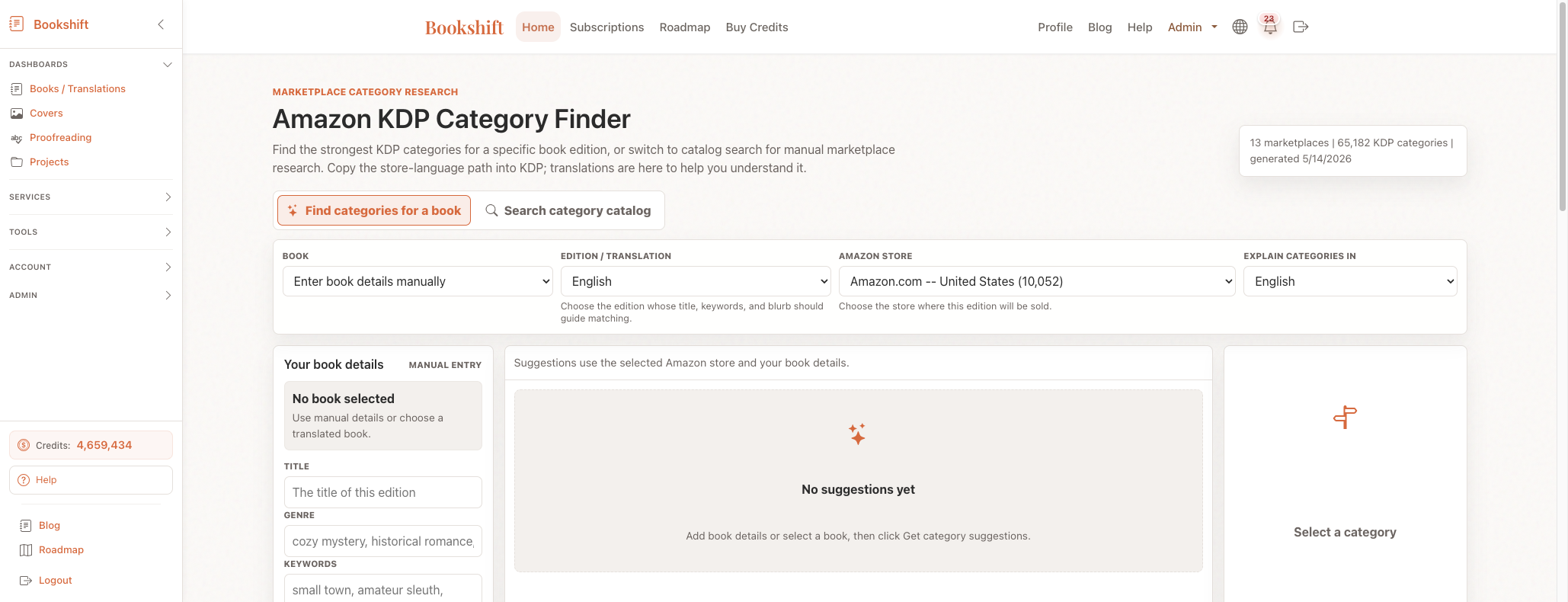
What the KDP Category Finder Does
The tool has two modes:
- Find categories for a book: choose a book, edition or translation, and Amazon store. Bookshift fills in the book details and finds likely KDP categories.
- Search category catalog: search the captured category list for a store manually.
For translated books, the store can switch automatically based on the selected edition. For example, a German edition can default to Amazon.de, while a French edition can default to Amazon.fr. You can still change the store yourself.
Find KDP Categories for a Book
- Open the KDP Category Finder.
- Choose the book.
- Choose the edition or translation.
- Confirm the Amazon store.
- Review the suggested categories.
- Use Improve suggestions with AI when you want Bookshift AI to rerank the best matches.
The category path shown in the store language is the path to copy into KDP. The translated explanation is there to help you understand the category, not to replace the store wording.
Search the KDP Category Catalog
Use Search category catalog when you want to research the marketplace yourself.
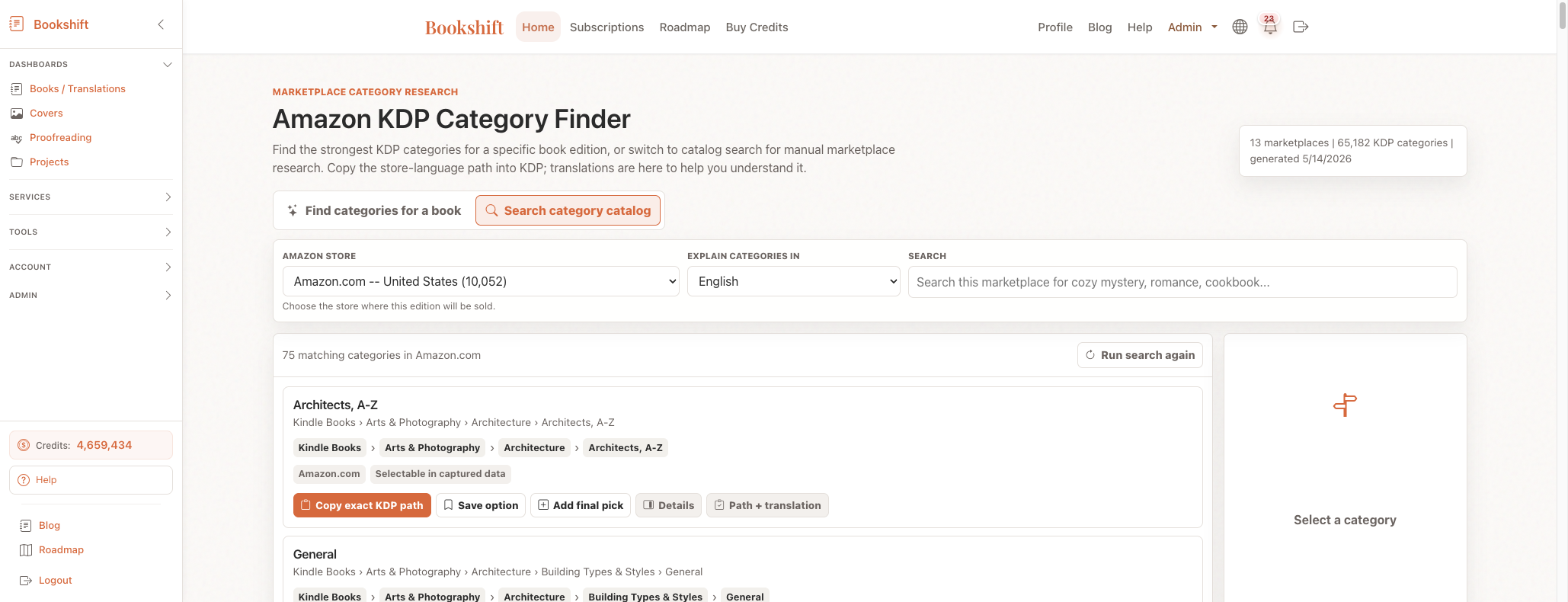
Choose the Amazon store, then search for phrases such as:
cozy mysteryscience fictionhistorical romancecookbookmath
Search works across the store's original category language and the translated explanation text. That means you can search in English even when the selected store uses German, French, Spanish, Portuguese, Italian, Dutch, Korean, or Japanese category wording.
Before You Publish on KDP
Bookshift gives you a strong shortlist, but Amazon can change live category labels and availability. Before publishing, always confirm the final category choices inside the live KDP interface for the marketplace where the edition will be sold.
FAQ
Does the tool choose the final KDP category for me?
No. It suggests and ranks categories so you can choose faster. You should still check the final options in KDP.
Should I copy the translated category path into KDP?
No. Copy the exact store-language KDP path. The translation is only for your understanding.
Can I search Amazon Brazil or Germany using English terms?
Yes. The catalog search can match translated explanation text, so English searches can find relevant categories in non-English stores.
 menu: Menu